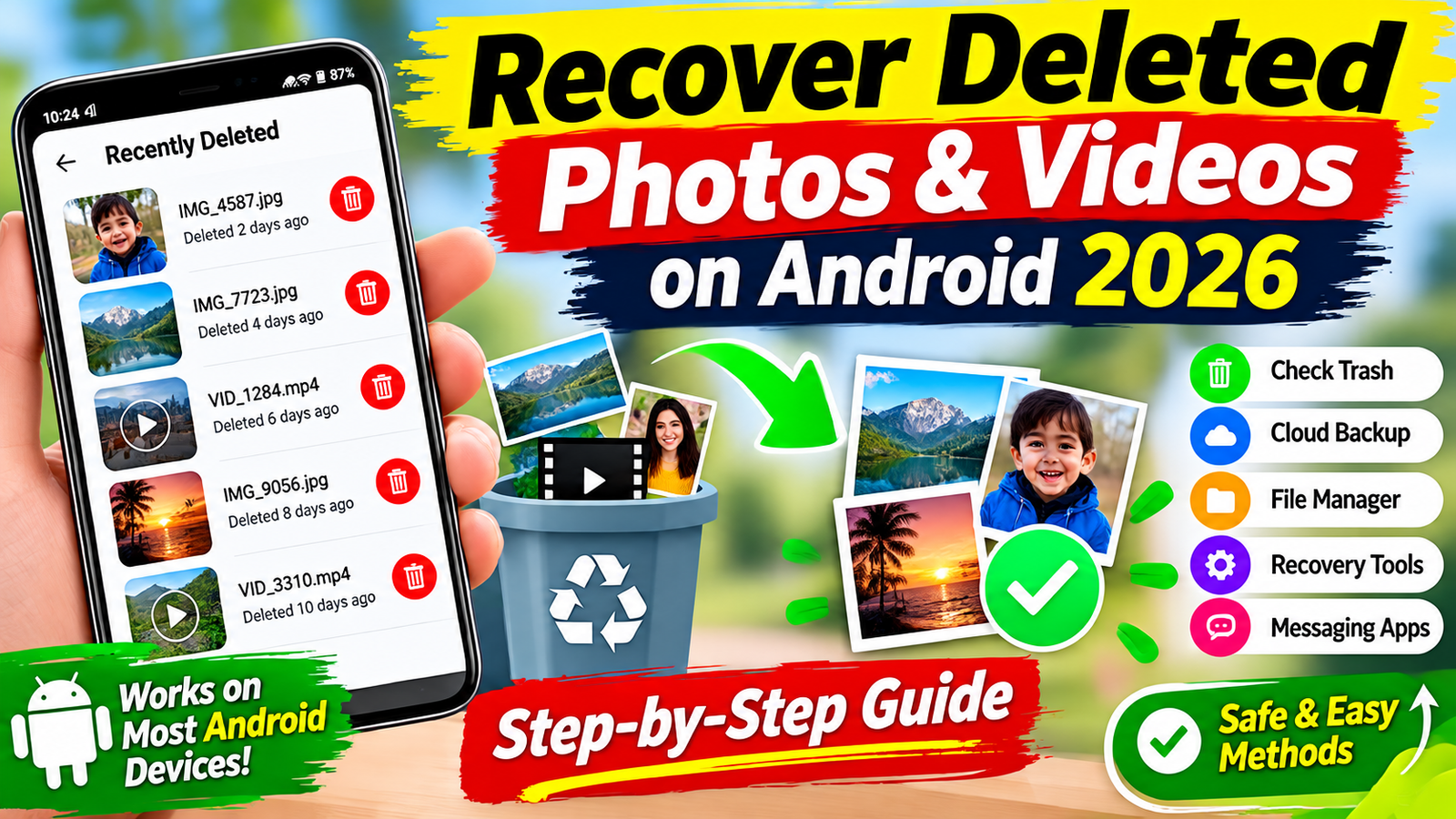
Recover Deleted Photos & Videos on Android 2026: Step-by-Step Guide
Accidentally deleting an important photo or video can be frustrating, especially when the file contains personal memories, work information, or important documents. Fortunately, Android users have several options to check whether deleted media can still be restored.
The important thing to understand is that deleted files are not always permanently recoverable. Your chances depend on where the file was stored, whether a backup exists, how much the phone has been used since deletion, and whether the storage space has already been reused.
This guide explains practical ways to recover deleted photos and videos on Android in 2026, starting with the safest methods.
Can Deleted Photos Be Recovered on Android?
Yes, sometimes deleted photos and videos can be recovered. Many Android phones and photo-management services provide a Trash, Bin, or Recently Deleted folder where deleted files remain temporarily before permanent removal.
However, recovery is not guaranteed. If a file has been permanently deleted and no backup remains, recovery can become significantly more difficult.
For this reason, it is best to act quickly after accidentally deleting an important file.
Method 1: Check the Recently Deleted or Trash Folder
The first place you should check is your phone’s gallery or photo application.
Many Android devices provide a temporary storage area for deleted media. Open your Gallery or Photos application and look for options such as:
- Trash
- Bin
- Recently Deleted
- Recycle Bin
If you find the missing photo or video there, select it and use the Restore option.
This is generally the safest recovery method because it does not require installing additional software.
Why Check This First?
Files in a Trash or Recently Deleted folder may still be available in their original form. Depending on the device or service, deleted items may only remain there for a limited period.
Therefore, check this folder before trying third-party recovery applications.
Method 2: Check Your Cloud Backup
If you use a cloud photo backup service, your deleted media may still be available online or inside its Trash section.
Open the photo backup service associated with your Android device and check:
- Your main photo library.
- The Trash or Bin.
- Archived items.
- Recently uploaded media.
- Other connected accounts.
Sometimes users accidentally delete a local copy while another copy remains safely stored in the cloud.
This is especially useful when your phone has been reset, damaged, or replaced.
Method 3: Check Your File Manager
If the missing video or image was downloaded from the internet, received through another application, or manually moved into a folder, check your phone’s File Manager.
Look through common folders such as:
- DCIM
- Pictures
- Movies
- Download
- Camera
- Screenshots
- WhatsApp Media
The file may not actually be deleted. It could simply have been moved to another folder or renamed.
Using the file manager is therefore another simple step before attempting recovery software.
Method 4: Use a Trusted Recovery Tool
If the photo or video is not available in Trash, cloud backup, or your file manager, you may consider a reputable recovery application.
Recovery tools scan available storage for traces of deleted files. One popular example is DiskDigger, which is available through Google Play.
However, users should understand that recovery results can vary significantly depending on the device, Android version, storage type and permissions available to the application.
Some features may also require additional access or device configurations.
Important Tip Before Scanning
Avoid filling your phone with new files after deleting something important.
For example, downloading large videos, taking hundreds of new photos, or installing many applications can increase storage activity. In some circumstances, this can reduce the possibility of recovering older deleted data.
Method 5: Check Your Messaging Apps
If the missing photo or video originally came from a messaging application, check the relevant conversation and media folders.
For example, an image that was deleted from your Gallery may still exist inside the original chat or its media folder.
You can also ask the sender to send the file again if appropriate.
This method can be much easier than attempting technical recovery.
What About Permanently Deleted Photos?
If a photo has been permanently removed from the device and there is no cloud or local backup, recovery becomes uncertain.
Modern Android devices commonly use storage technologies and security features that can make traditional file recovery difficult.
Therefore, no application should be treated as a guaranteed solution for every deleted file.
Be especially cautious about websites or applications promising 100% recovery of permanently deleted photos. Such claims should be treated carefully.
Safety and Privacy Tips
Photo recovery applications can require access to files and media on your device. Before installing any recovery tool, review its Google Play information, permissions, developer details, privacy policy and recent reviews.
For better privacy:
- Download applications from trusted sources.
- Review requested permissions carefully.
- Avoid unknown APK websites.
- Do not provide unnecessary personal information.
- Keep sensitive photos protected.
- Uninstall recovery software when you no longer need it.
Never give an unknown application unnecessary access to your accounts or private information.
How to Prevent Photo Loss in the Future
Prevention is easier than recovery. Consider enabling automatic photo backups and periodically transferring important files to another trusted storage location.
You can also keep important documents and family photos in more than one location. A backup on a computer, external storage device, or trusted cloud service can provide an additional layer of protection.
Final Verdict
Recovering deleted photos and videos on Android in 2026 is possible in some situations, but success depends on how the files were deleted and whether another copy still exists.
The best approach is to start with the Recently Deleted/Trash folder, then check cloud backups, file-manager folders and messaging applications. If those options do not work, a reputable recovery tool may be worth trying, although results are not guaranteed.
Most importantly, act quickly after accidental deletion and avoid unnecessary activity on the device. With regular backups and careful storage management, you can greatly reduce the risk of permanently losing important photos and videos.
