WhatsWeb Dual WhatsApp App 2026: Complete Features & Usage Guide
In today’s digital world, people often use WhatsApp for personal communication, work, business and customer support. Managing multiple accounts or accessing an existing account from another device can sometimes be inconvenient. WhatsWeb Dual WhatsApp App 2026 is designed to provide web-scanning and account-management features through QR-code connectivity.
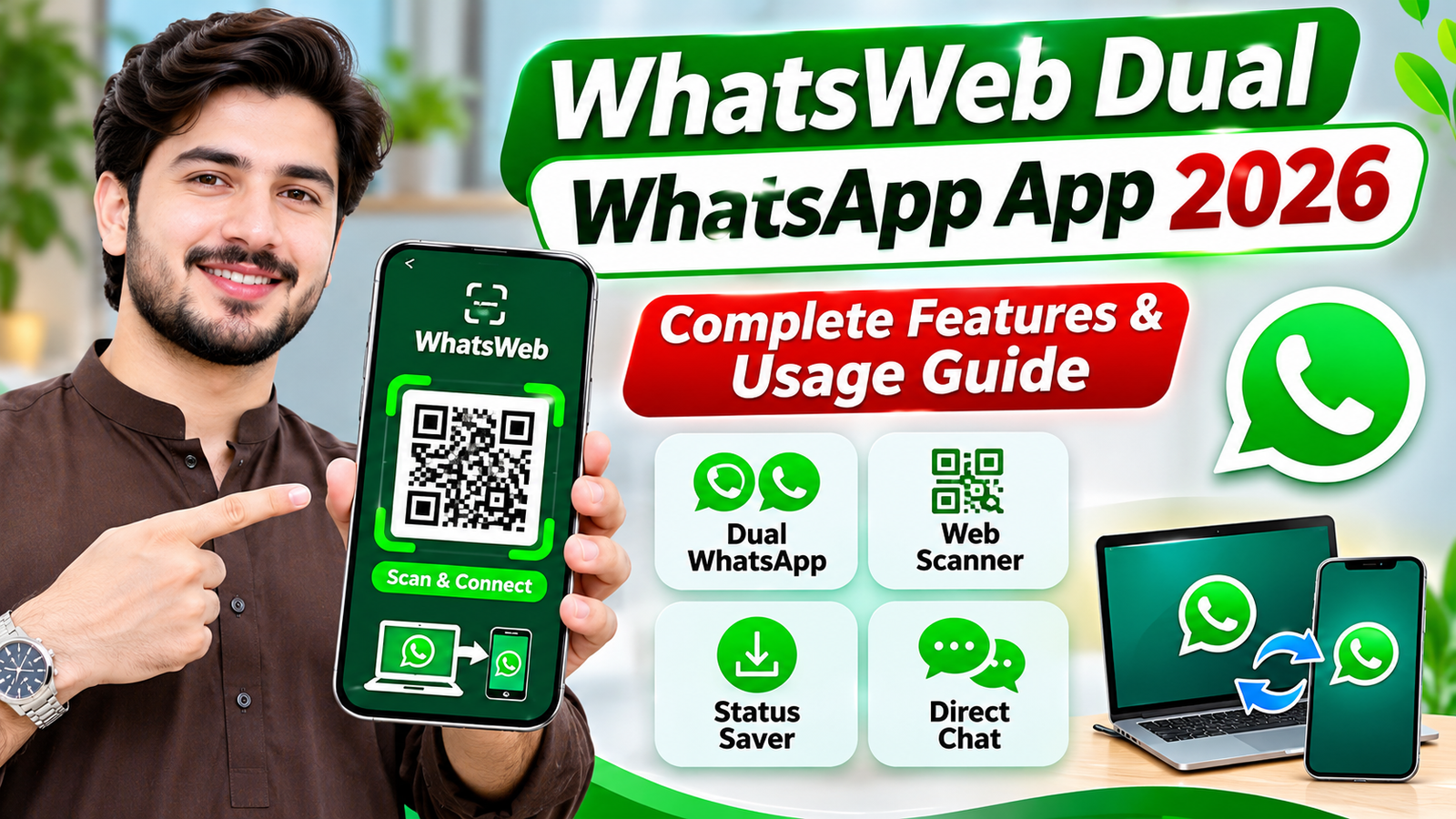
The app, listed on Google Play as Web Scanner, allows users to connect an existing account to another device through a QR code. It also promotes features such as dual-account management, status saving, direct chat and file management.
However, users should understand that this is an independent third-party application and is not an official WhatsApp application. Therefore, it is important to use it responsibly and only connect accounts that you own or have permission to access.
What Is WhatsWeb Dual WhatsApp App?
WhatsWeb Dual WhatsApp App is a communication utility that provides a web-scanner experience for connecting accounts across devices. According to its Google Play listing, the app supports using the same account on different devices and managing different accounts from one device.
The main idea is simple: instead of repeatedly entering account credentials, users can use a QR-code scanning process to establish a connected session.
This can be useful for people who want to separate personal and work conversations or need convenient access to an existing account on another supported device.
Key Features of WhatsWeb Dual WhatsApp App
1. Web Scanner and QR Code Connection
The central feature is the web scanner. Users can connect an account by scanning a QR code through the supported linking process.
The Google Play listing describes support for connecting the same account to different devices.
This can make account access more convenient when working between a phone, tablet or computer.
2. Dual Account Management
Another important feature is the ability to manage different accounts on one device.
For example, someone who uses separate accounts for personal and professional communication may find a dual-account interface convenient. Instead of constantly switching between devices, the app is designed to bring supported account sessions into one place.
Actual functionality can depend on the connected service, device and current app version.
3. Status Saver
The app also promotes a Status Saver feature for saving available images and videos.
According to the Google Play description, users can save status media and manage downloaded files through the app.
Users should always respect copyright, privacy and the original creator’s rights before saving or sharing someone else’s content.
4. Direct Chat Without Saving a Number
WhatsWeb also includes a direct-chat feature. The Google Play listing says users can start a conversation without first saving a phone number to their contacts.
This can be useful for temporary conversations, customer inquiries or situations where you do not want to permanently add a number to your contact list.
5. File and Media Management
The app provides options for managing files associated with its supported features. This can make it easier to organize downloaded media rather than searching through multiple folders on the phone.
Users should regularly review downloaded files and remove unnecessary media to keep their device storage organized.
How to Use WhatsWeb Scanner
Using a web scanner generally involves a QR-code linking process.
First, install the app from a trusted source and open the Web Scanner feature. Next, open the account you want to connect and navigate to its Linked Devices section. Choose the option to link a device and scan the QR code provided by the supported web-scanner interface.
Once the connection is established, the available account information may become accessible through the linked session.
It is important to verify the device and session before connecting an account. Never scan unknown QR codes or connect an account that does not belong to you.
Is WhatsWeb Dual WhatsApp App Safe?
Safety is one of the most important considerations when using third-party communication utilities.
The Google Play listing states that the app is an independent application and says it is not affiliated with third-party services. Google Play also displays data-safety information provided by the developer, including that the app may collect personal information and device or other IDs, while data is encrypted in transit.
Because privacy practices can change, users should review the app’s current Data Safety section and privacy policy before installation or use.
Most importantly, never use a third-party scanner to access another person’s account without their permission.
Important Privacy Tips
Before using any WhatsWeb or QR-based account-management application, follow these basic precautions:
- Only connect accounts that you own or have permission to access.
- Avoid scanning QR codes received from unknown sources.
- Check connected or linked devices regularly.
- Remove sessions you no longer use.
- Keep your phone and operating system updated.
- Download applications from trusted sources.
- Do not share verification codes or account credentials with anyone.
These simple steps can reduce the risk of unauthorized account access.
WhatsWeb Dual WhatsApp App 2026: Pros and Limitations
The biggest advantage of the app is convenience. Web scanning, dual-account management, status saving and direct chat are combined into one application.
However, users should also understand its limitations. It is a third-party application, not an official WhatsApp product, and some features may depend on the connected service or device. The Google Play listing also shows that the app contains ads and offers in-app purchases.
Therefore, users should not assume that every advertised feature will work identically on every device.
Final Verdict
WhatsWeb Dual WhatsApp App 2026 can be useful for users looking for additional web-scanning and account-management tools. Its main features include QR-based web connection, dual-account support, status saving, direct chat and file management.
At the same time, privacy should remain a priority. Since the application is an independent third-party utility, users should carefully review permissions, privacy information and connected sessions before using it.
For the safest experience, only connect accounts you own or have explicit permission to access, and always keep control of your linked devices and account settings.